Every aspect ratio, image and video
1:1, 16:9, 9:16, 4:5, 4:3, 3:2, 2:3 — switch per job or batch. Vibes.ai ships 9:16; Vibes Flow unlocks the rest.
 For Vibes.ai — built for 16:9 YouTube video production
Built for YouTube creators who need to ship videos in bulk. Paste your prompts, generate 16:9 videos in parallel, and accelerate your production without creating images first.
Vibes Flow turns your prompts into organized, YouTube-ready videos directly inside Vibes.ai. Skip the image-first workflow, queue batches, and let the extension accelerate your production.
Free tier, no card. Or load manually from chrome://extensions → developer mode → drop in the ZIP.
You came to Vibes.ai for cinematic image and video generation. But the platform only ships a vertical 9:16 preset. Want a YouTube thumbnail, a landscape hero shot, or a square Instagram post? You're stuck.
Vibes Flow is a sidepanel that lives inside Vibes.ai. Open it, drop prompts, set aspect and quality, hit start. Everything else is automatic.
1:1, 16:9, 9:16, 4:5, 4:3, 3:2, 2:3 — switch per job or batch. Vibes.ai ships 9:16; Vibes Flow unlocks the rest.
Up to 4 jobs running concurrently. The queue picks the next one the moment a slot frees up. Free tier is 1; Pro is 4.
Pick the quality per job. Free gets Standard; Pro unlocks High and Premium tiers for when the deliverable actually matters.
Drop a prompt. Vibes Flow generates the image, then hands it to the video model in your chosen aspect. One prompt, two assets, zero clicks between them.
Every output lands in ~/Downloads/vibes-flow/{videos|images}/ with timestamped filenames. Set a custom folder in Pro.
Sidepanel shows queue length, processing time per job, ETA to finish, and which assets saved successfully.
No API keys, no node, no Python. Install the extension and paste prompts inside Vibes.ai.
Download the ZIP, load it as an unpacked extension in chrome://extensions. One time, ~30 seconds.
Go to vibes.ai. Click the Vibes Flow icon to open the sidepanel. Pick aspect, quality, paste prompts.
Vibes Flow drives the Vibes.ai UI on your behalf, runs up to 4 jobs in parallel, and saves every finished output. You come back to a full folder.
Rafael walks you through the live demo.
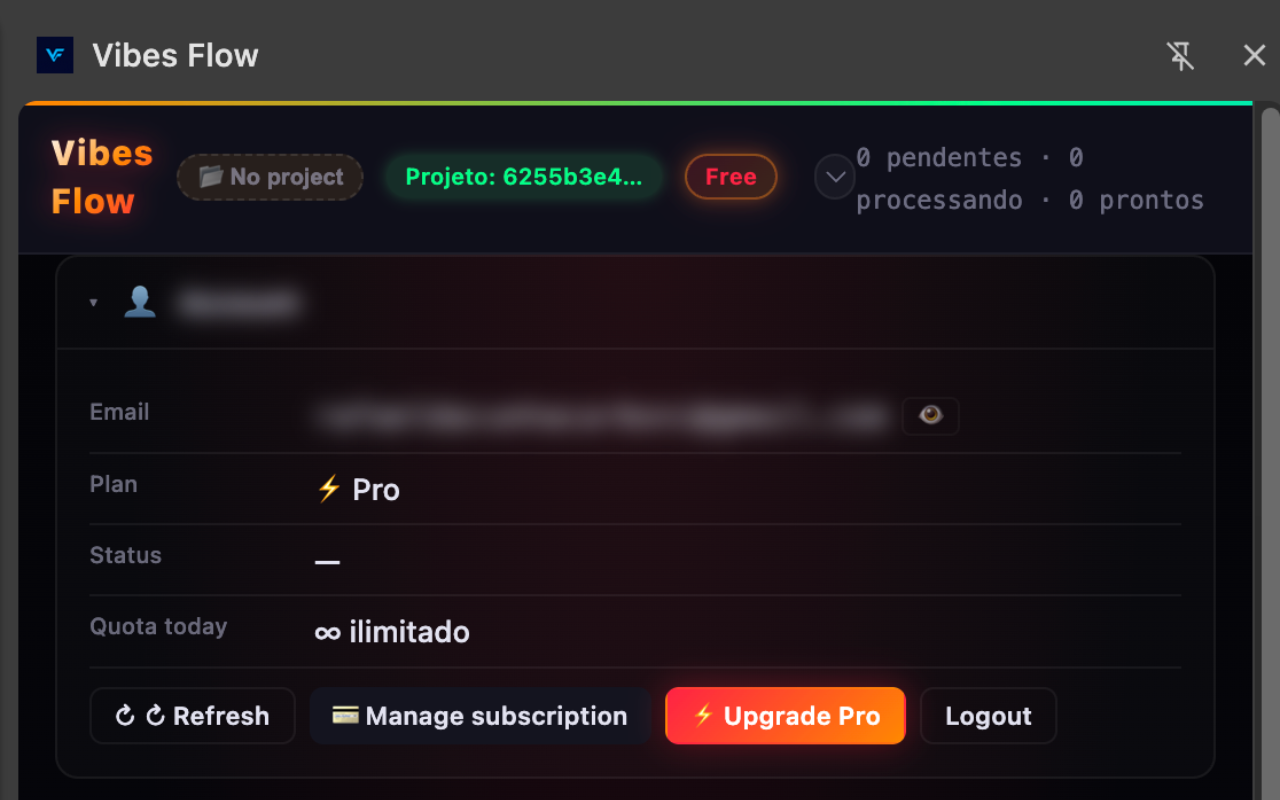
Four screens from the real extension. Real account, real queue, real settings — no marketing renders.
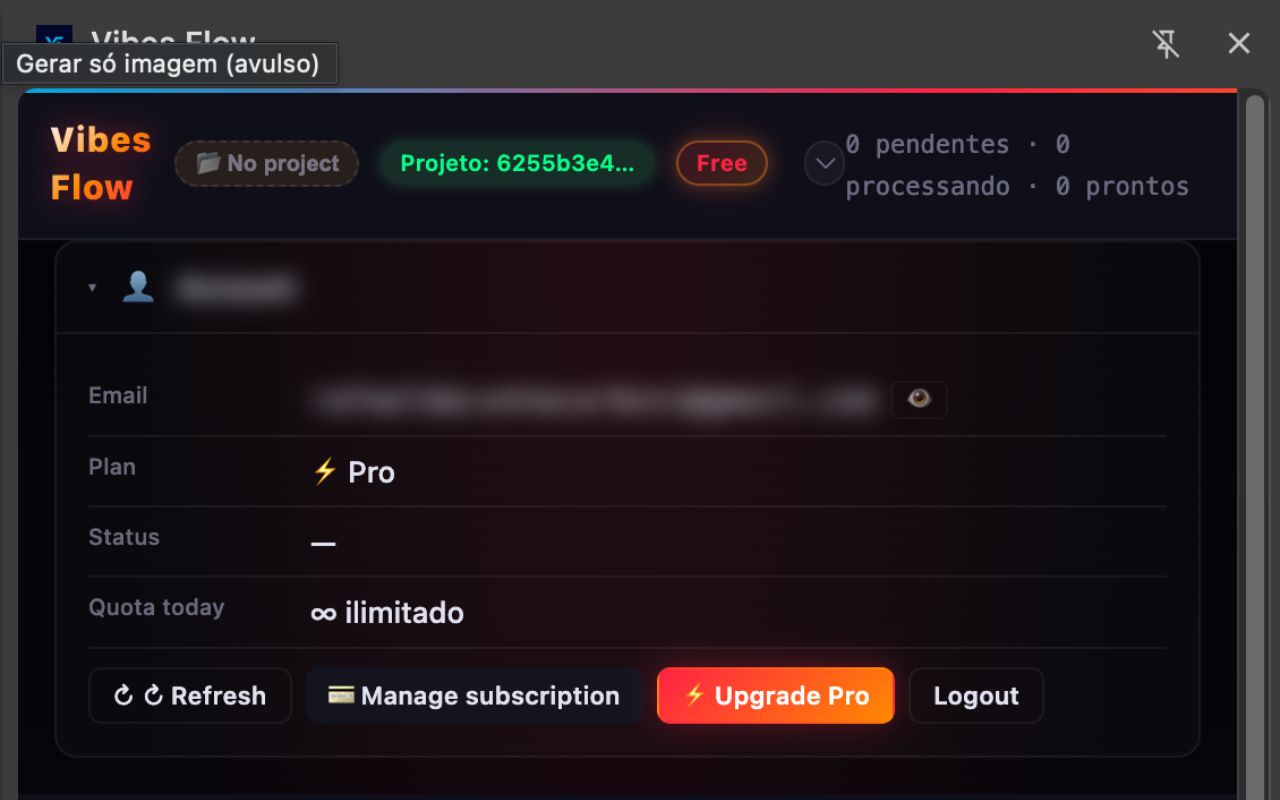
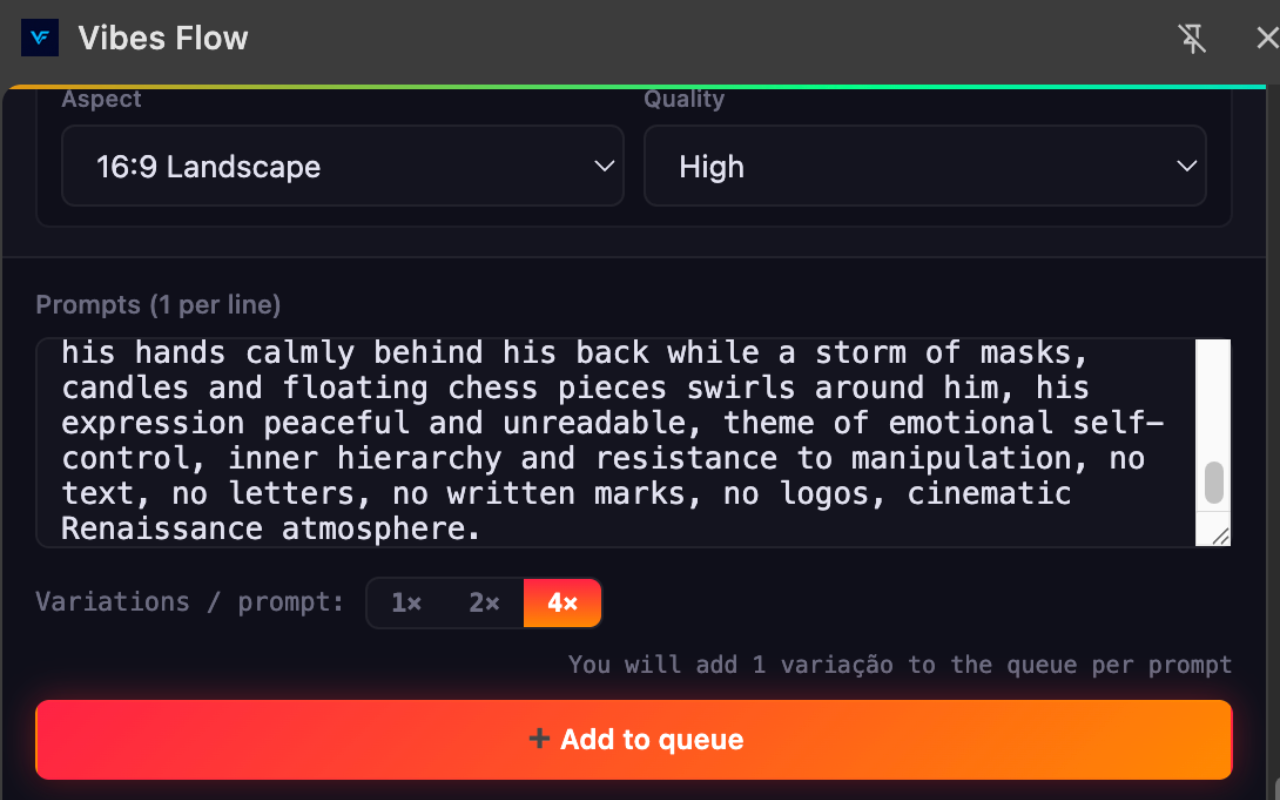
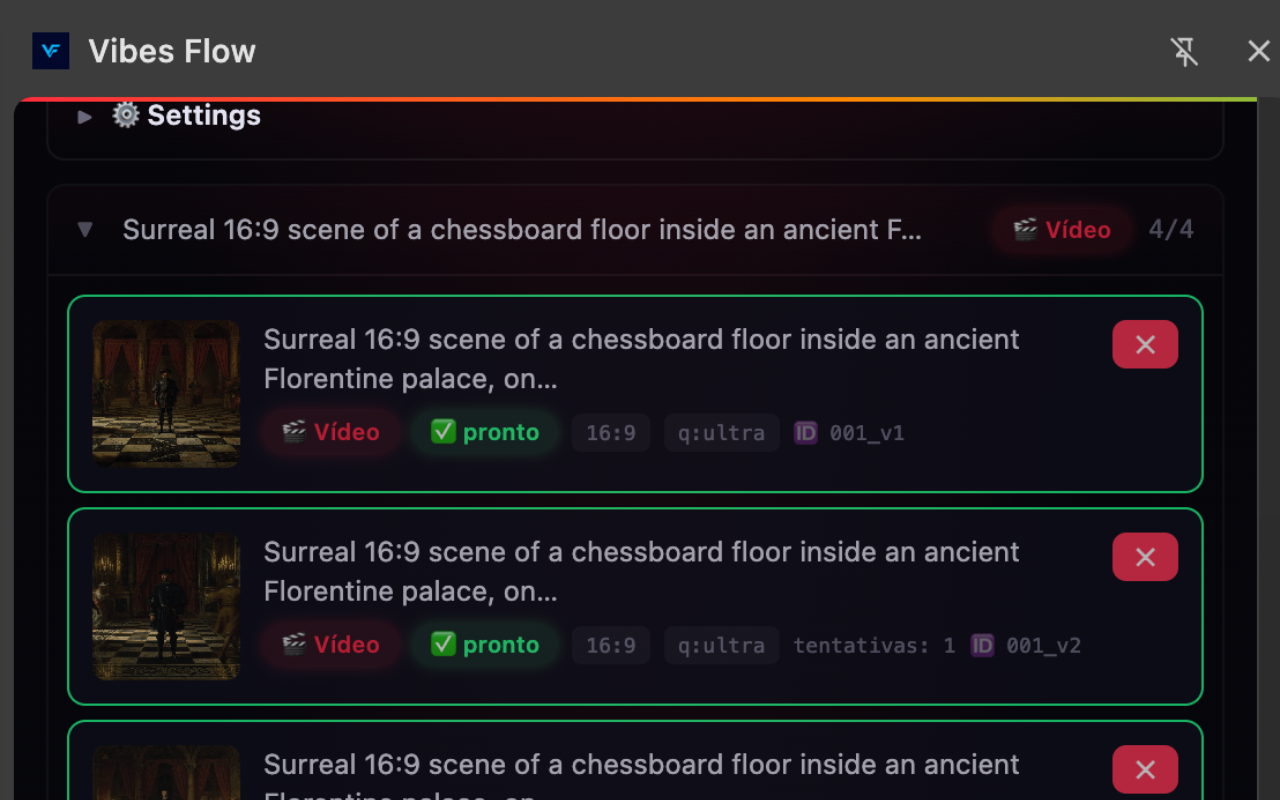
Available in Português, English and Español. The extension auto-detects your browser language — change it any time via the 🌐 switch in the header.
Try the full workflow without a card. Choose monthly or yearly billing when you need more 16:9 videos, parallel jobs, and production speed.
Test the complete prompt-to-video workflow before you scale.
For creators who need to produce and publish more videos every week.
cancel anytime · secure checkout via Stripe
Vibes Flow drives the Vibes.ai UI on your behalf — same browser, same login, same account. It tells Vibes.ai which output dimensions to use before submitting, which the platform's own UI surfaces but doesn't expose in the default flow.
Yes. Vibes Flow orchestrates prompts on a Vibes.ai account you already have. It doesn't grant access or bypass any paywalls — it just removes friction once you're in.
Vibes Flow automates UI clicks the same way a person would, with random delays and rate limits. Free tier keeps usage conservative on purpose. Pro unlocks the full parallel queue.
Yes. Stripe handles the subscription; cancel from your billing page or click "Manage subscription" in the sidepanel. No retention emails, no friction.
Yes. Vibes Flow supports both image and video modes in Vibes.ai, with independent aspect and quality controls per mode. Pro also chains them: image first, then auto feed into video.
Install the extension. Pick 16:9. Generate.
The Chrome Web Store is recommended. Developers can inspect the source and load the local extension folder.